How to Organize Travel Bookings: Flights, Hotels and Booking References in One Place
October 20, 2026
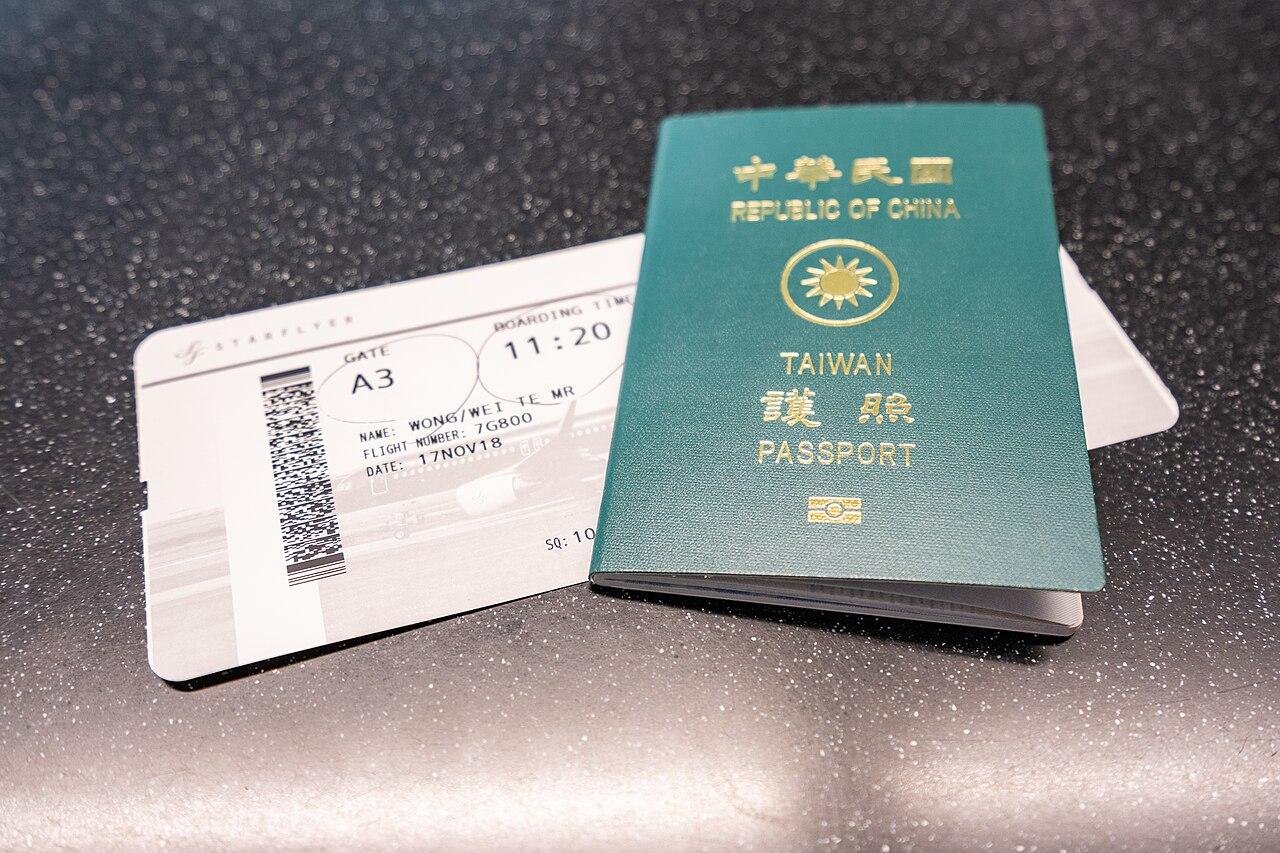
Most trips are booked in pieces: a flight on one site, two hotels on another, a train ticket, a tour, maybe a rental car. A week later the details are spread across emails, PDFs, screenshots and apps. If you want to organize travel bookings so that you can find any reference number in ten seconds at an airport desk, you need one place for everything and a short routine for filling it in. This guide covers what to save for each type of booking, the main options for where to keep it, and the small habits that stop things going missing.
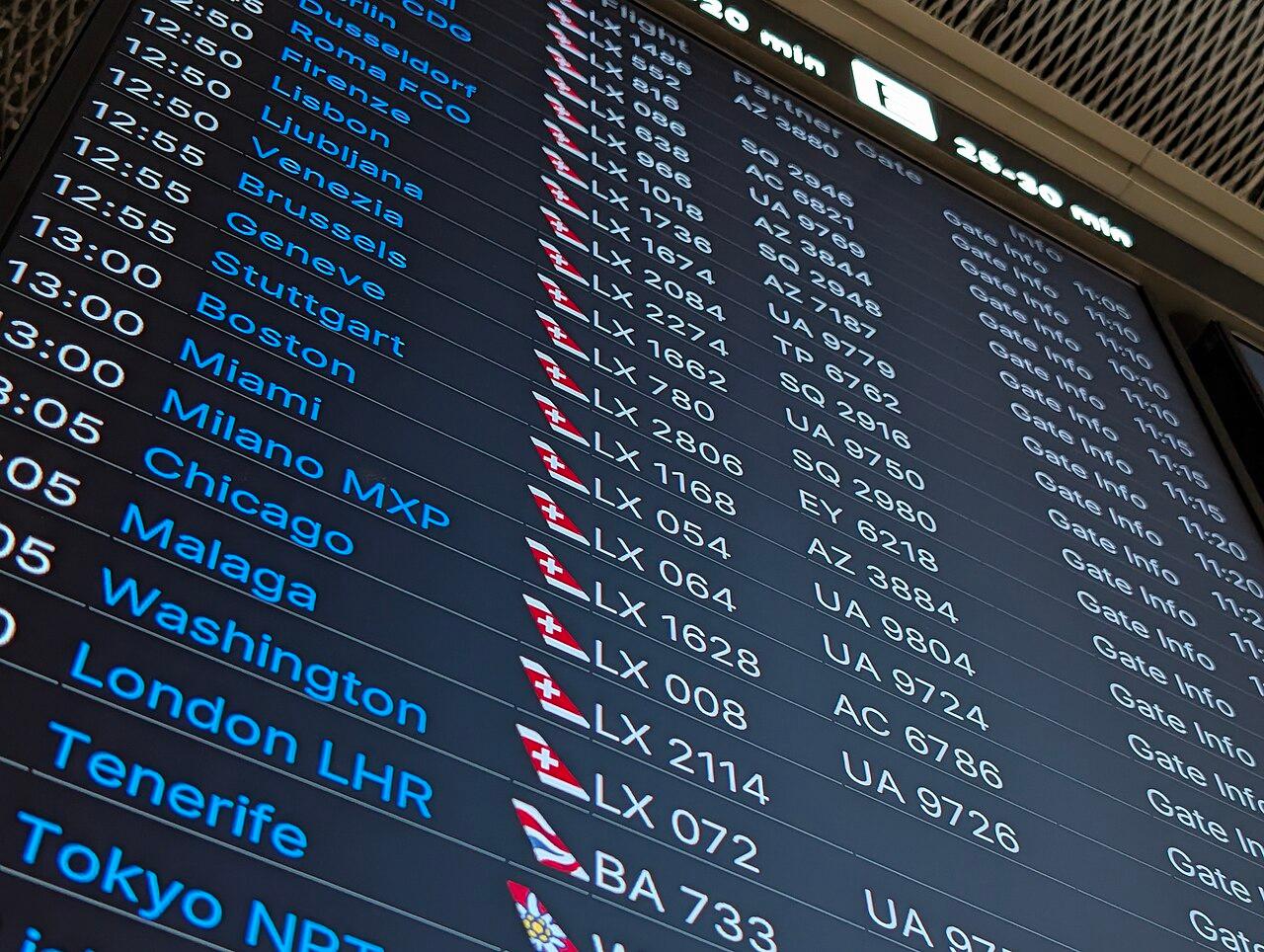
Photo: Stimpy / Wikimedia Commons, CC BY-SA 4.0
What to save for each booking
The confirmation email has far more information than you need, and the part you do need is often buried. Pull out these details and save them where you will look first.
Flights
- Airline, flight number and date
- Departure and arrival airports, with terminal if known
- Departure and arrival times in local time
- Booking reference (the six-character code, also called a PNR)
- Seat numbers and baggage allowance
- The name exactly as it appears on the ticket
Hotels and rentals
- Property name and full address, plus the address in the local language if you are going somewhere with a different script
- Check-in and check-out times, and any late arrival rules
- Confirmation number and the site you booked through
- Cancellation deadline and whether you have already paid
- A phone number or messaging contact for the property
Trains, buses and ferries
- Departure station and platform or bay if shown
- Departure time, car and seat number
- The ticket itself (QR code or PDF), saved offline
Tours, tickets and restaurant bookings
- Meeting point, with a map link
- Start time and how early to arrive
- The voucher or ticket, and the operator's contact
Entry documents
- Visa or travel authorisation confirmations
- Arrival card confirmations where a country uses them
- Travel insurance policy number and the emergency phone line
That last group is easy to forget because it is not a "booking". But it is often what you are asked for first. For example, Thailand requires most foreign visitors to submit the free Thailand Digital Arrival Card online, no more than three days before arrival, according to the Thai Immigration Bureau's official TDAC site. Korea's K-ETA rules are another example: many nationalities are exempt until 31 December 2026, and travellers should check the official K-ETA site for anything after that date. Keep these confirmations with your flights so they are in the same place at the airport.
A simple system to organize travel bookings
You do not need anything complicated. A system that works has three parts.
1. One home for the trip. Pick a single place where every booking ends up. It can be a notes file, a spreadsheet, a cloud folder or a trip planning app, but it has to be one place. If flight details are in an email and hotel details in an app, you will be searching both at the worst moment.
2. A rule for when to add things. The easiest rule is "the same day I book it". Copy the key details in as soon as the confirmation arrives, while you still remember what you booked and why. Doing it all the night before the trip is how things get missed.
3. A check a few days before you leave. About a week before departure, go through every booking in order. Check times, names and dates, look for gaps (a night with no hotel, a transfer with no plan), and note any cancellation deadlines still coming up.
Where to keep your bookings: the main options
Each option has trade-offs, and the best one is the one you will actually keep up to date.
An email folder or label. Free and quick: you just move confirmations into a folder. The weakness is that emails are long, the important details are hard to scan, and you need a signal to search your inbox. It is a good backup but a poor main system.
A cloud folder with PDFs and screenshots. Good for tickets and vouchers, and easy to share. But a folder of files does not show you the order of your trip, and file names like "confirmation (3).pdf" do not help at 6 am.
A spreadsheet. Very flexible. One row per booking, with columns for date, time, type, reference and notes, sorted by date. It works well for planners who like control. The downsides are that it is fiddly on a phone and attachments live somewhere else.
A trip planning app. The better ones show bookings on a day-by-day timeline, keep the reference numbers next to the plan for that day, and let you attach the ticket to the right booking. Check how it handles offline access and sharing before you commit. Some apps read your confirmation emails automatically, others need you to add details yourself. Automatic import is convenient, but it is worth checking each entry anyway, since dates and time zones sometimes come through wrong.
RoamerPlanner is one option in that last group. It puts flights, hotels, trains and activities as cards on one timeline and lets you attach PDF tickets and vouchers to the booking they belong to. It does not import bookings from email or track live flight status, so you add each booking yourself and use the airline's app for delays. The flight and hotel organizer page shows what it stores for each booking type.

Photo: Vyacheslav Argenberg / Wikimedia Commons, CC BY 4.0
Habits that prevent most booking problems
- Save tickets offline. Airport and station Wi-Fi is unreliable, and roaming can fail on arrival. Download every PDF and take a screenshot of each QR code.
- Use local time for everything. Write flight and train times in the local time of the place they happen. If you are crossing time zones, note it on the arrival day so you do not book dinner for a time you are still in the air.
- Write the hotel address in the local language. In Japan, Korea, Thailand or China, showing a taxi driver the address in the local script is much faster than spelling it out.
- Note cancellation deadlines as dates. "Free cancellation until 48 hours before" is easy to misread. Write the actual date and time.
- Keep a printed or offline copy of the essentials. One page with passport number, insurance number, first hotel address and booking references can save you if your phone dies.
- Share the plan with whoever you travel with. If only one person has the references, the trip stops when their phone does.
Timing: when to check what
When you book: add the details and the ticket to your trip, and note the cancellation deadline.
About a week before: check every booking in order, look for gaps, and confirm any transfers or tours that need it.
Three days before: fill in any arrival cards or forms that open shortly before travel, such as Thailand's digital arrival card.
The day before a flight: check in online. Many airlines open online check-in 24 to 48 hours before departure, but it varies, so look at your airline's rules.
On the day: check your flight status in the airline's app, and keep the next booking (the hotel or the airport transfer) at the top of your screen.
Example: a two-city trip
Say you are planning a week in Japan with three nights in Tokyo and four in Kyoto, like the first part of our 14-day Japan itinerary. That is two flights, two hotels, one shinkansen ticket and perhaps a couple of timed tickets for sights. In a single timeline it looks like this:
- Day 1: flight in (reference, arrival time, terminal), train into the city, Tokyo hotel check-in (address in Japanese, confirmation number).
- Days 2 and 3: sightseeing, with any timed tickets on the right day.
- Day 4: hotel check-out, shinkansen to Kyoto (seat and car number, ticket saved offline), Kyoto hotel check-in.
- Days 5 to 7: Kyoto and day trips.
- Day 8: check-out, train to the airport, flight home.
Once it is laid out like that, a missing transfer or a check-in time that does not match your arrival is easy to spot. The same approach works for a short city break such as 3 days in Bangkok, where it is mostly one hotel and a few tours.
For the planning side of the trip, see how to plan a trip day by day. If your trip includes Korea this winter, our guide to Seoul in winter covers the K-ETA dates in more detail.
Common mistakes
- Booking under a nickname or missing a middle name that is on your passport.
- Confusing the booking site's reference with the hotel's own confirmation number. Save both.
- Forgetting a night: arriving after midnight means you need the hotel from the previous date.
- Relying on one phone for every ticket with no backup.
- Missing a cancellation deadline because it was only in an email.
Sources: Thailand Immigration Bureau, tdac.immigration.go.th (Thailand Digital Arrival Card rules); k-eta.go.kr (K-ETA temporary exemption to 31 December 2026); roamerplanner.com (feature details). Checked 20 October 2026. Entry rules change, so always check the official site for the country you are visiting.
Cover photo: Wei-Te Wong / Wikimedia Commons, CC BY-SA 2.0
Ready to turn this stay into a real itinerary? Plan it in RoamerPlanner.
Open RoamerPlanner